Summary - iPhone
-
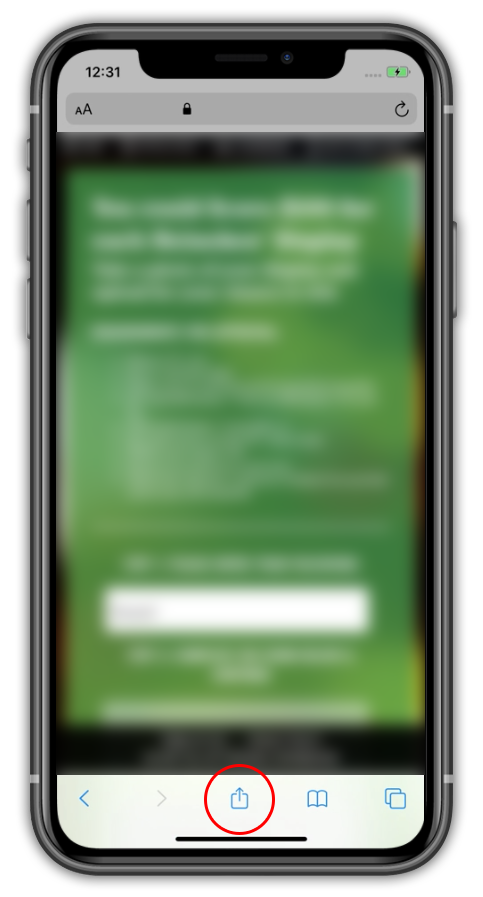
Step 1: On bottom of screen touch "box with up arrow"

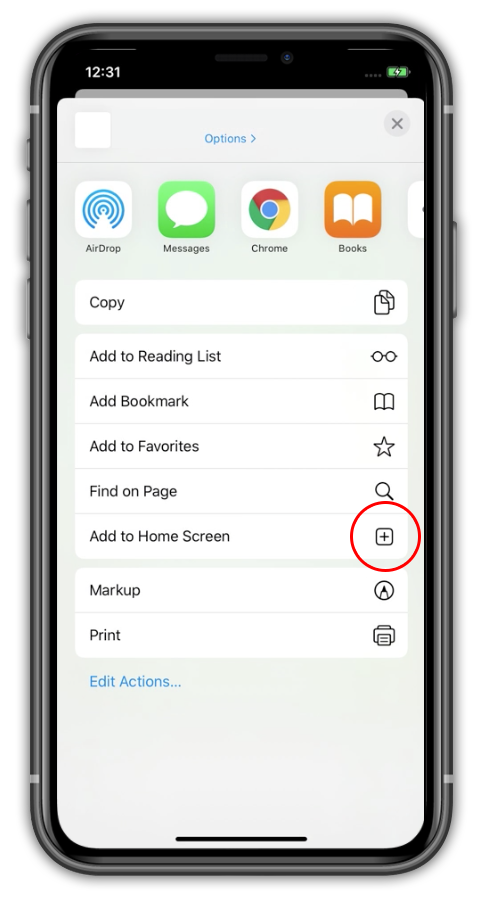
- Step 2: touch "Add to Home Screen"
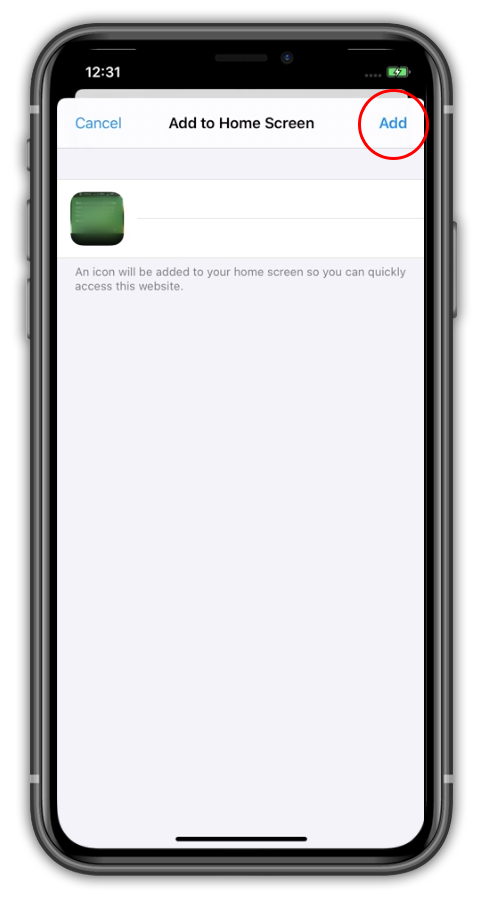
- Step 3: touch "Add" in upper right
Details - iPhone
Step 1:
Step 2:
Step 3:
Summary - Android
-
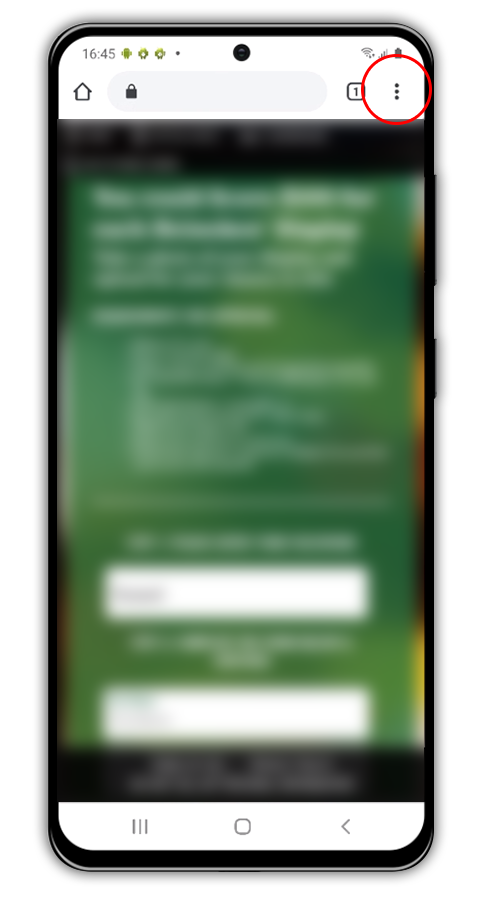
Step 1: On top right of screen touch "three dots"
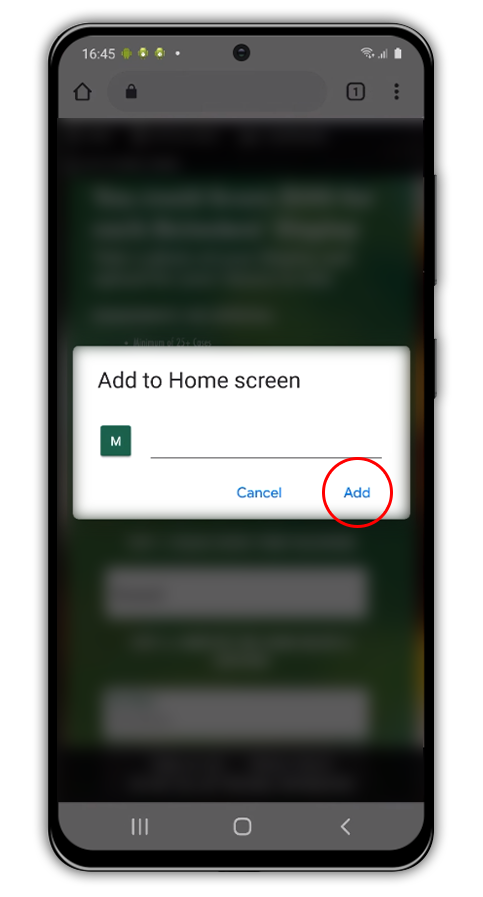
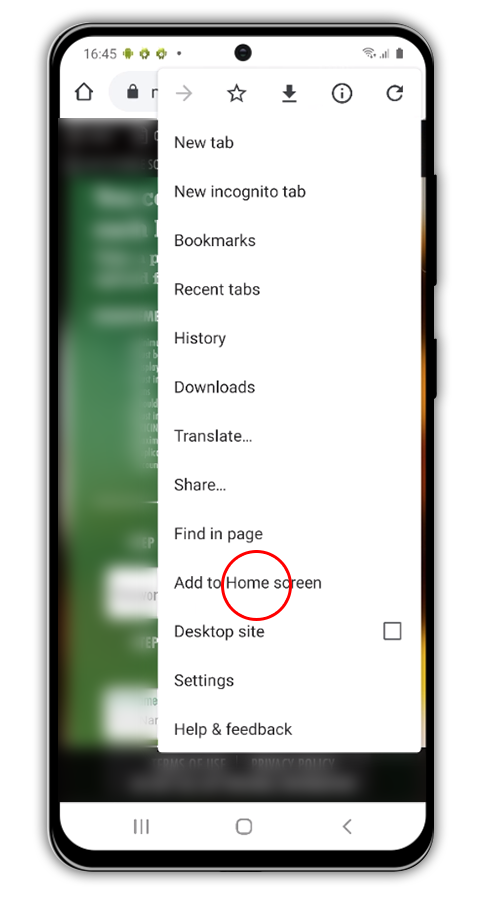
- Step 2: touch "Add to Home Screen"
- Step 3: touch "Add" in the popup window
Details - Android
Step 1:
Step 2:
Step 3: